
Basic Usage
Prerequisites
Before using AI-TokenHub API, complete the following preparation:
1. Register and Login
Visit AI-TokenHub to complete the registration process. The platform supports both individual self-registration and enterprise account activation.
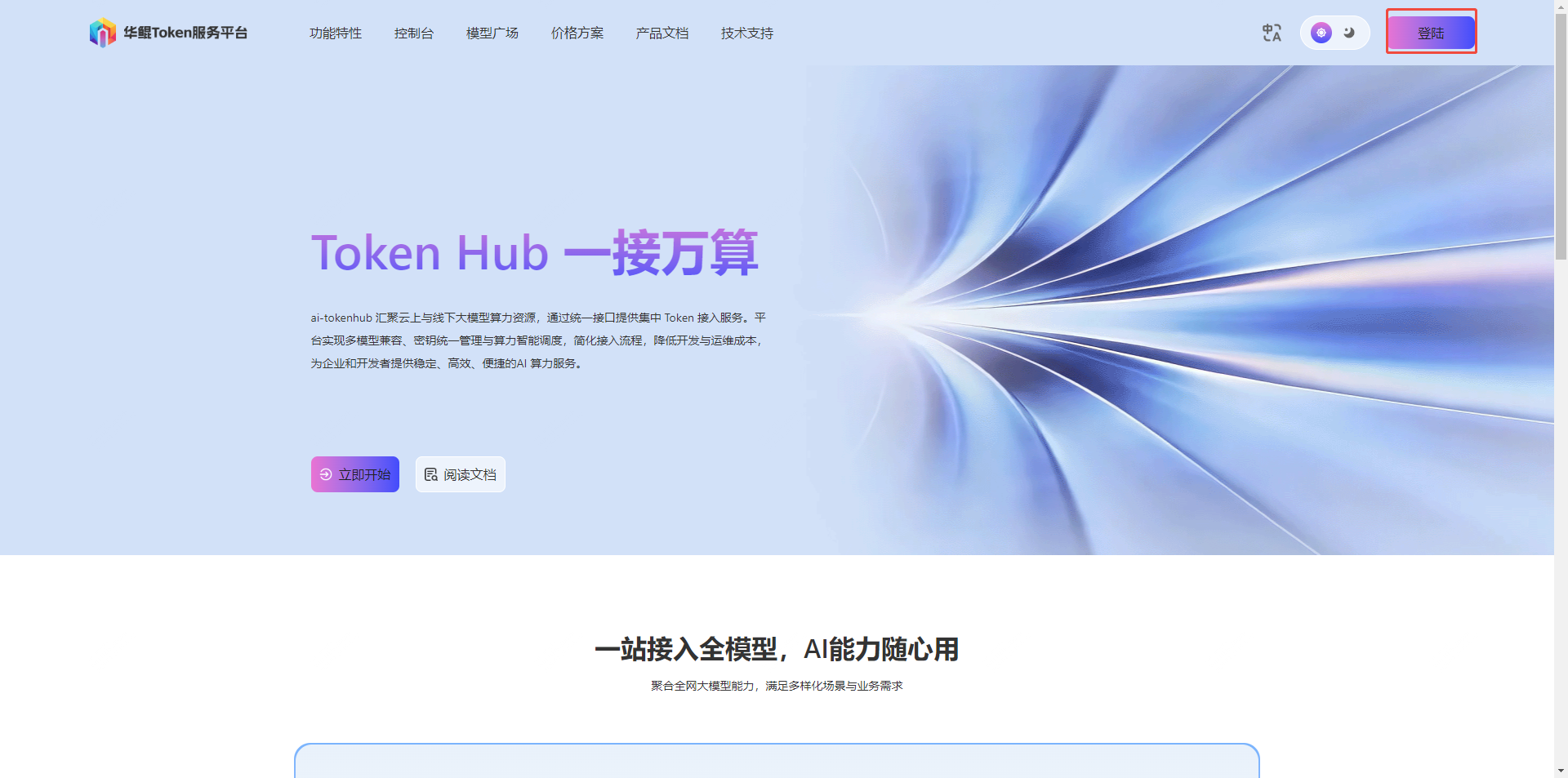
- Visit the platform homepage, click the "Register" button in the upper right corner to enter the registration page
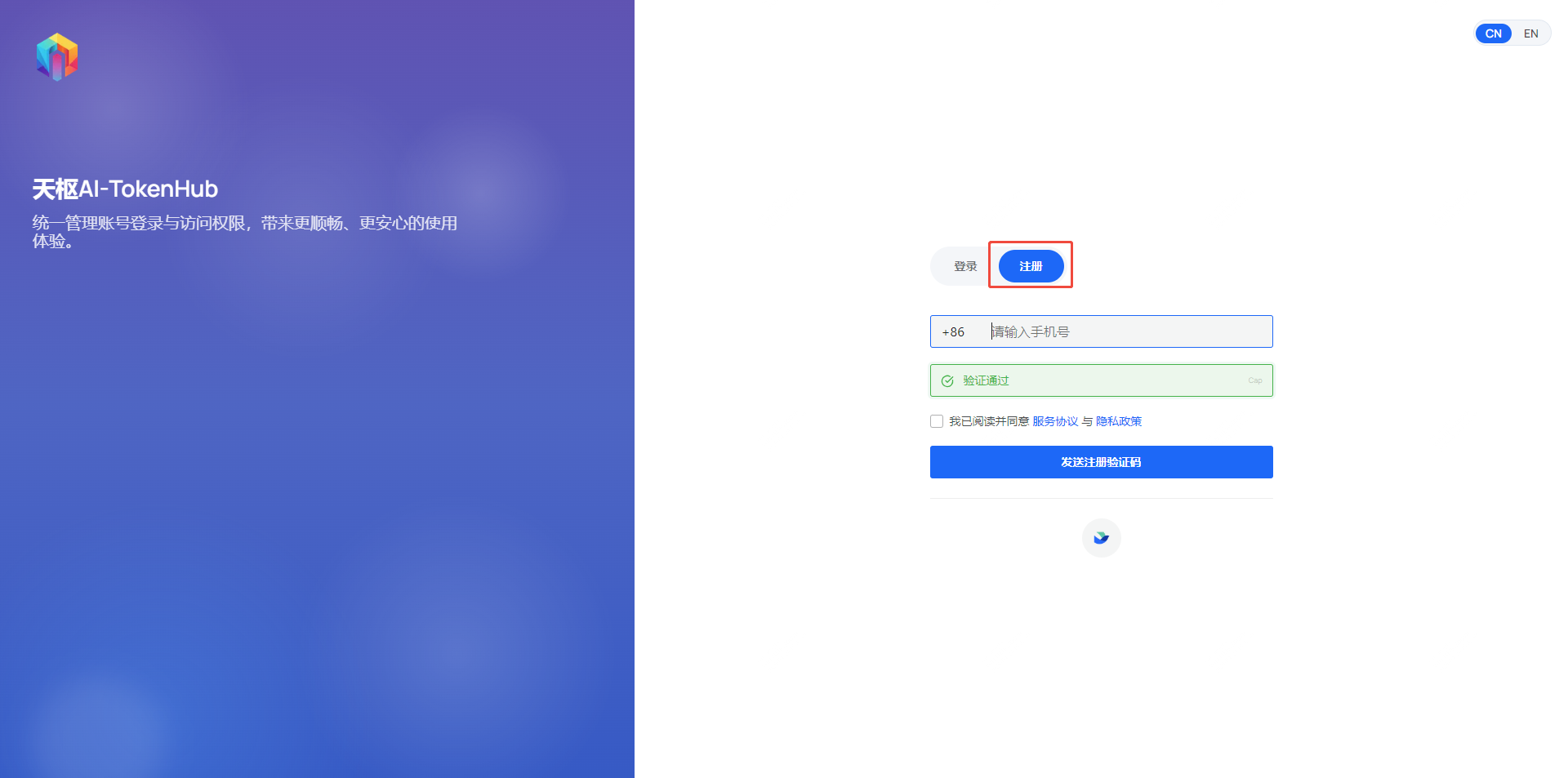
- Fill in the registration information (phone number, password, verification code) to complete account registration
- After completing registration, contact the platform administrator to get the invitation code to activate your account
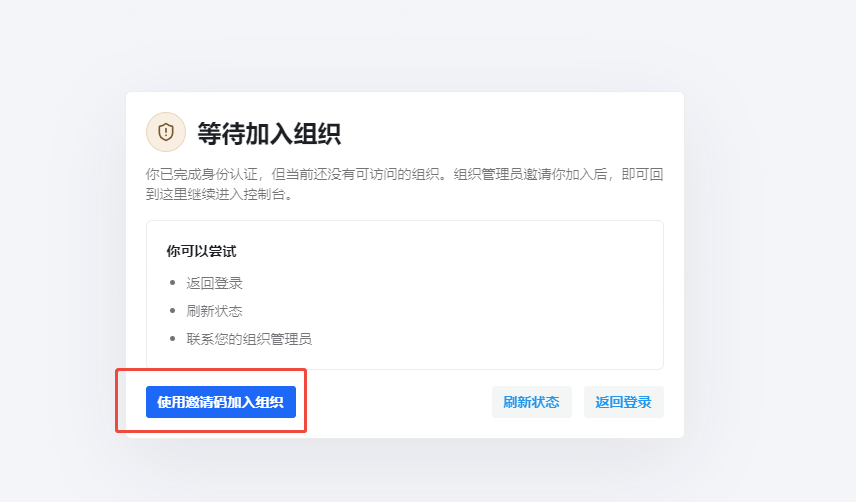
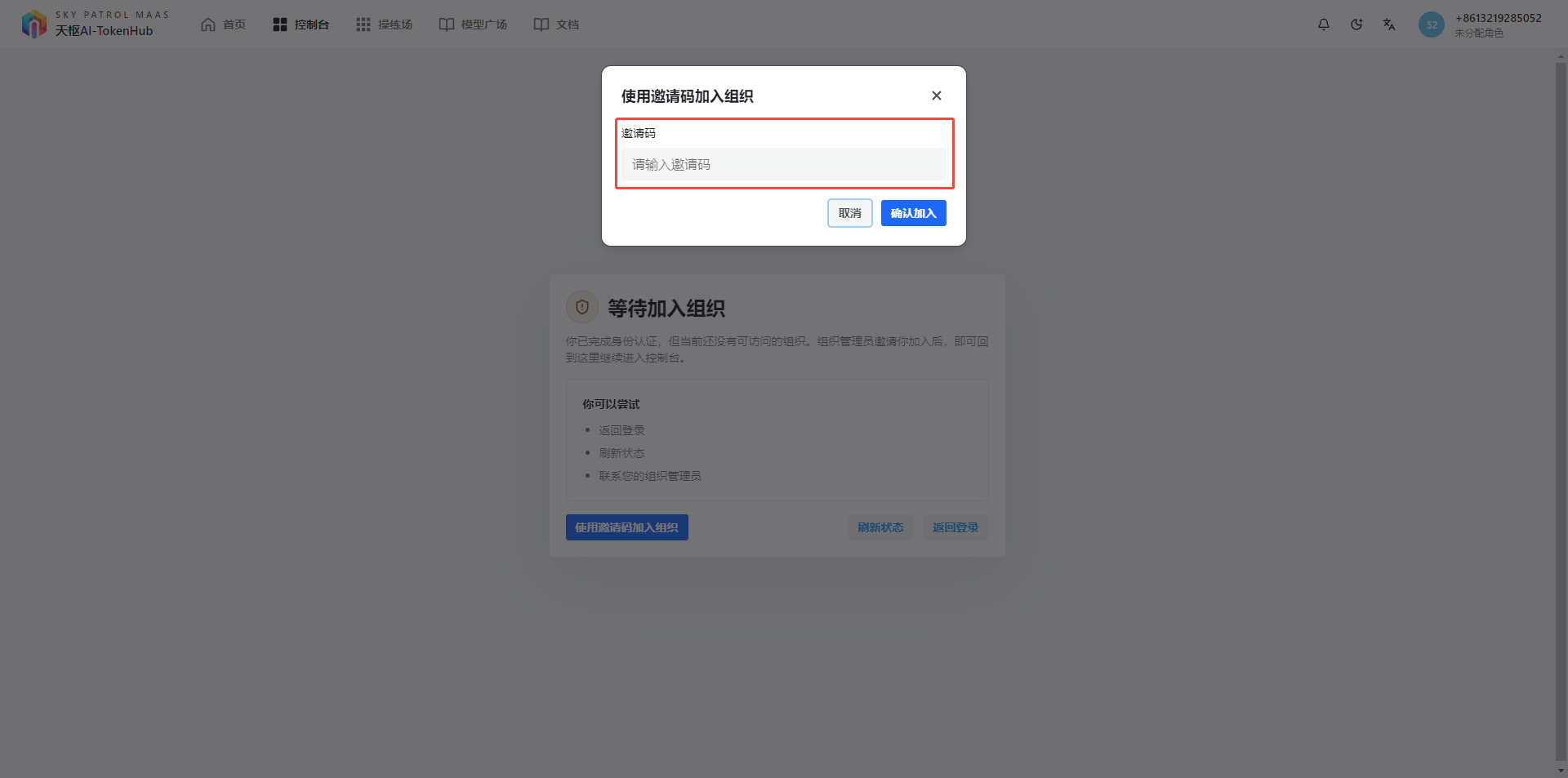 After the account is successfully activated, join the corresponding enterprise organization, and you can log in to the platform after joining successfully
2. Create API Keys
After logging in, go to the "Tokens" page in the left sidebar to create your API keys.
Create Token: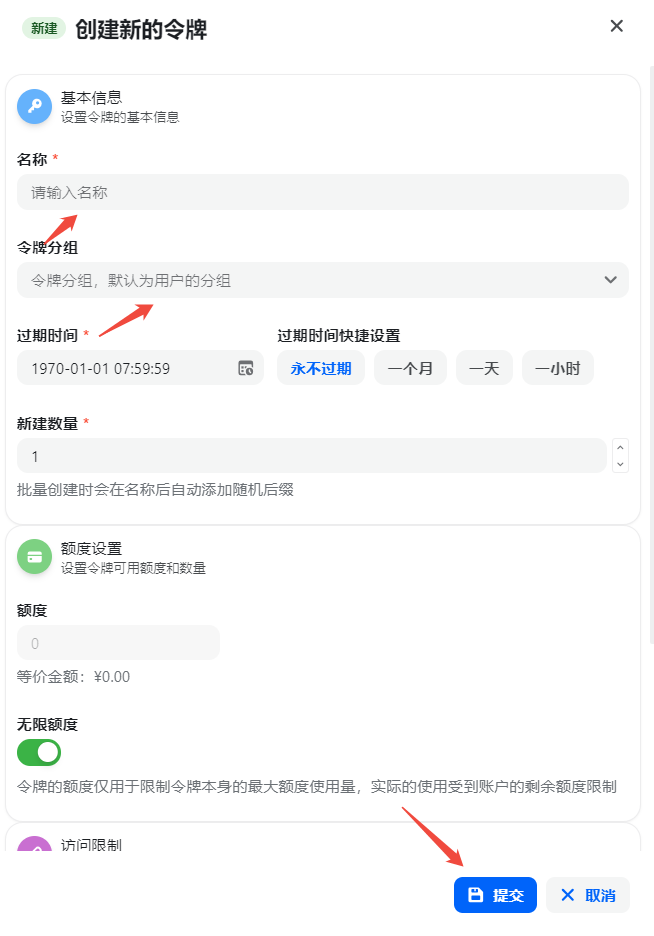
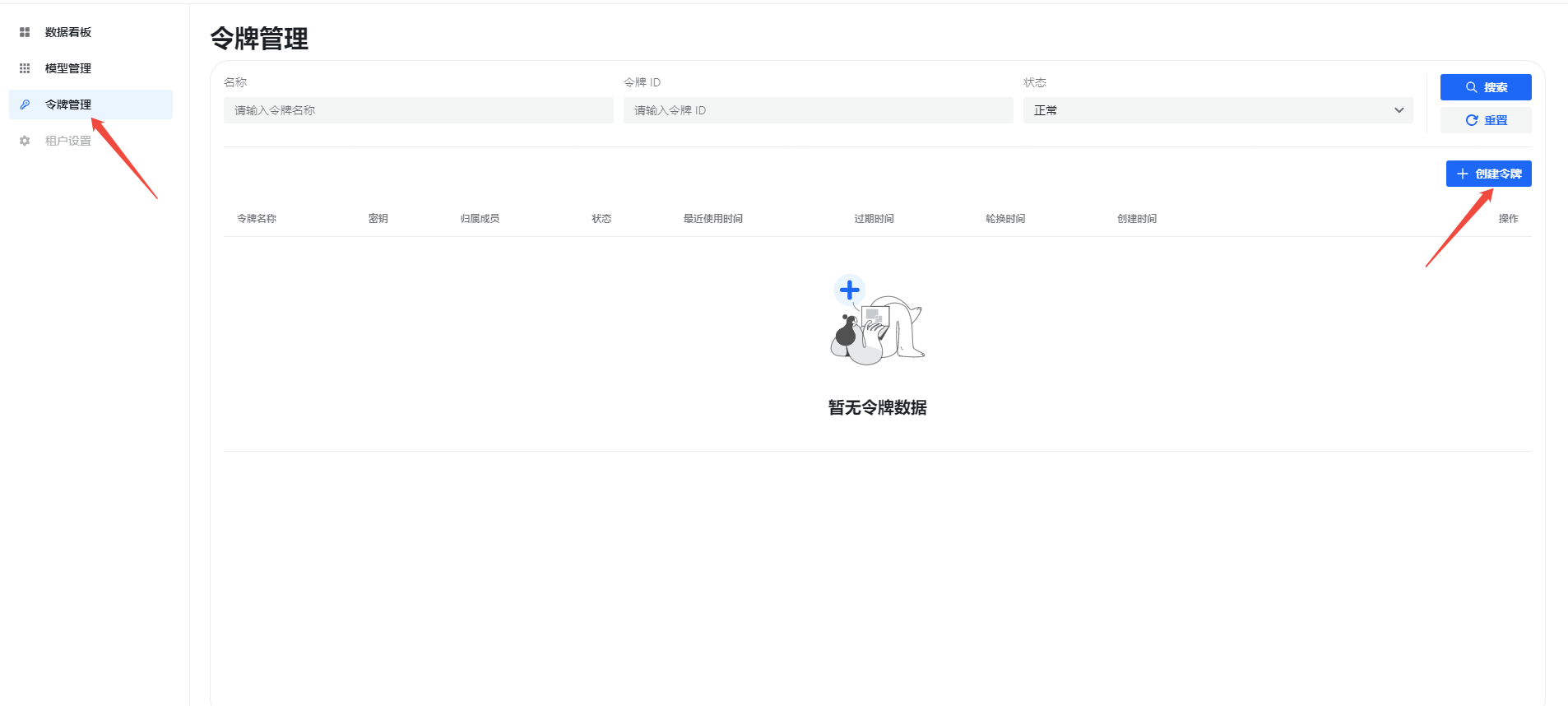
Token Configuration: After filling in the basic information, configure permissions and validity period: 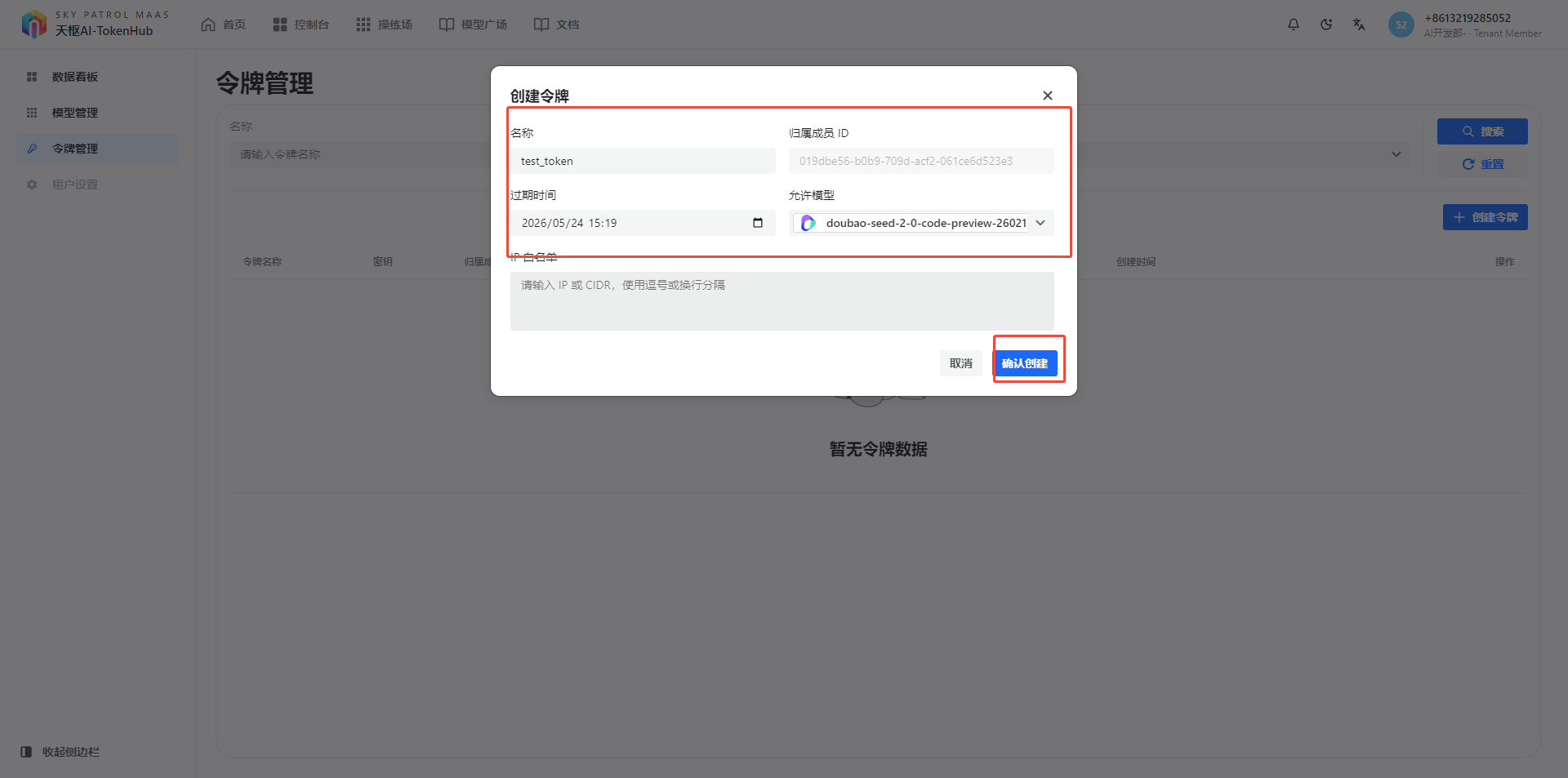
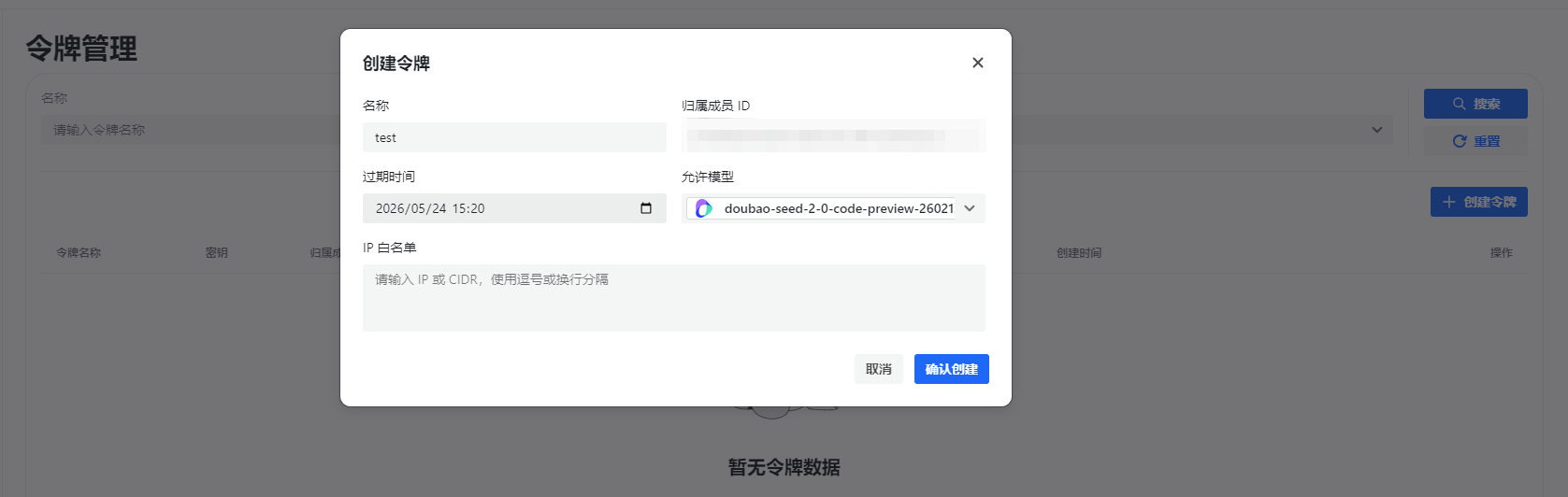
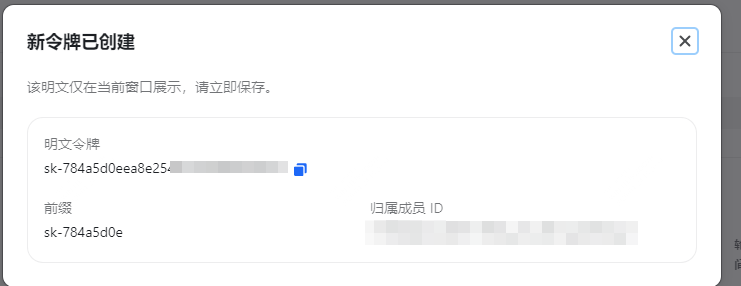
Configuration:
| Setting | Description |
|---|---|
| Token Name | Used to identify this API Key, suggest filling in purpose like "Development Test" |
| Spending Limit | Set monthly spending cap, auto-disabled when reached (optional) |
| Allowed Models | Select model range accessible by this Key (optional) |
API Endpoints
| Type | URL |
|---|---|
| Main URL | https://ai-tokenhub.com/api/v1 |
| Full URL | https://ai-tokenhub.com/api/v1 |
| Chat API | https://ai-tokenhub.com/api/v1/chat/completions |
| Responses API | https://ai-tokenhub.com/api/v1/responses |
Next Steps
- See API Test for complete API examples
- See API Reference for more API details