OpenCode Configuration Tutorial
Introduction to OpenCode
OpenCode is an open-source and free AI programming agent that can autonomously modify code, run commands, and handle development tasks. It is model-neutral and supports multiple usage methods including terminal, desktop, and IDE.
OpenCode Configuration Steps
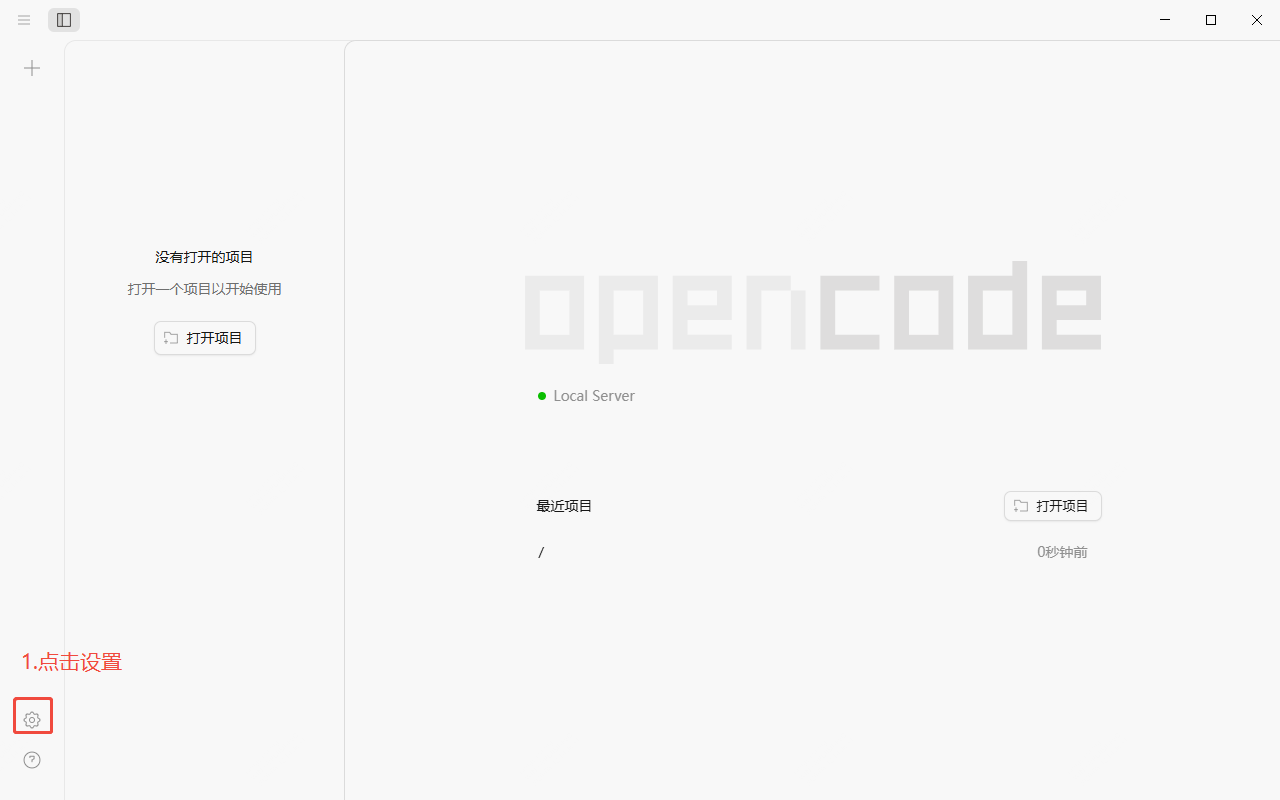
- Enter Settings
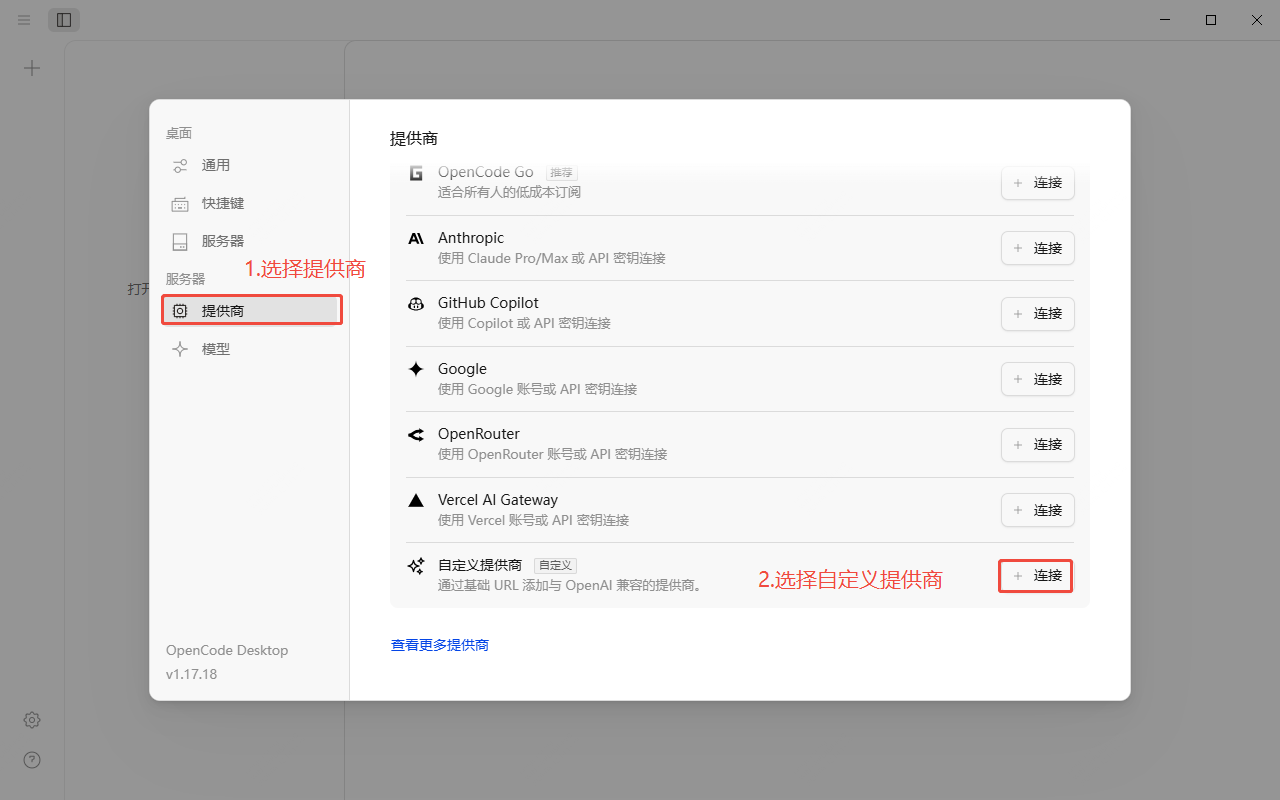
- Select Custom Provider
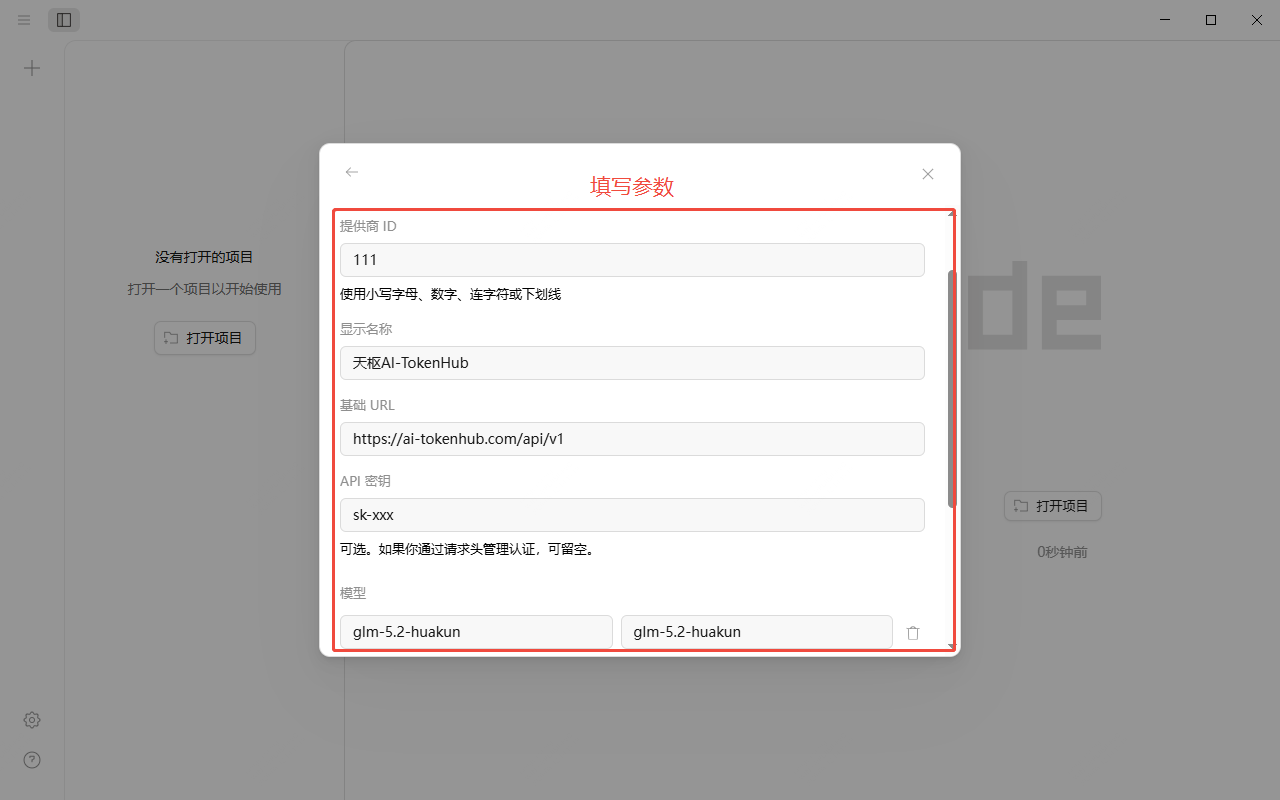
- Fill in the parameters. Reference parameters are as follows:
| Configuration Item | Description |
|---|---|
| Provider ID | Custom |
| Display Name | Custom |
| Base URL | https://ai-tokenhub.com/api/v1 |
| API Key | Token's API key (starts with sk-) |
| Model | Can be copied from AI-TokenHub Model Marketplace, or obtained via the button on the right side of the default model |
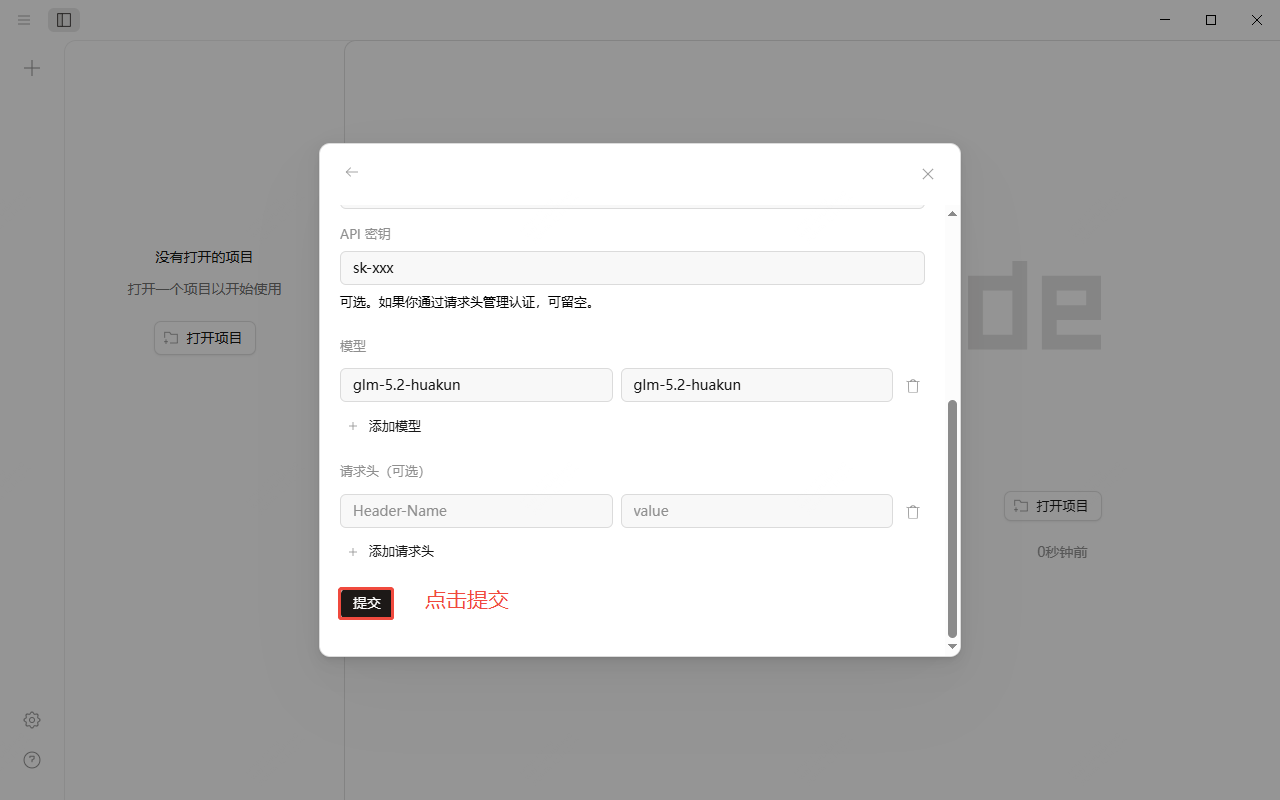
- Click Submit
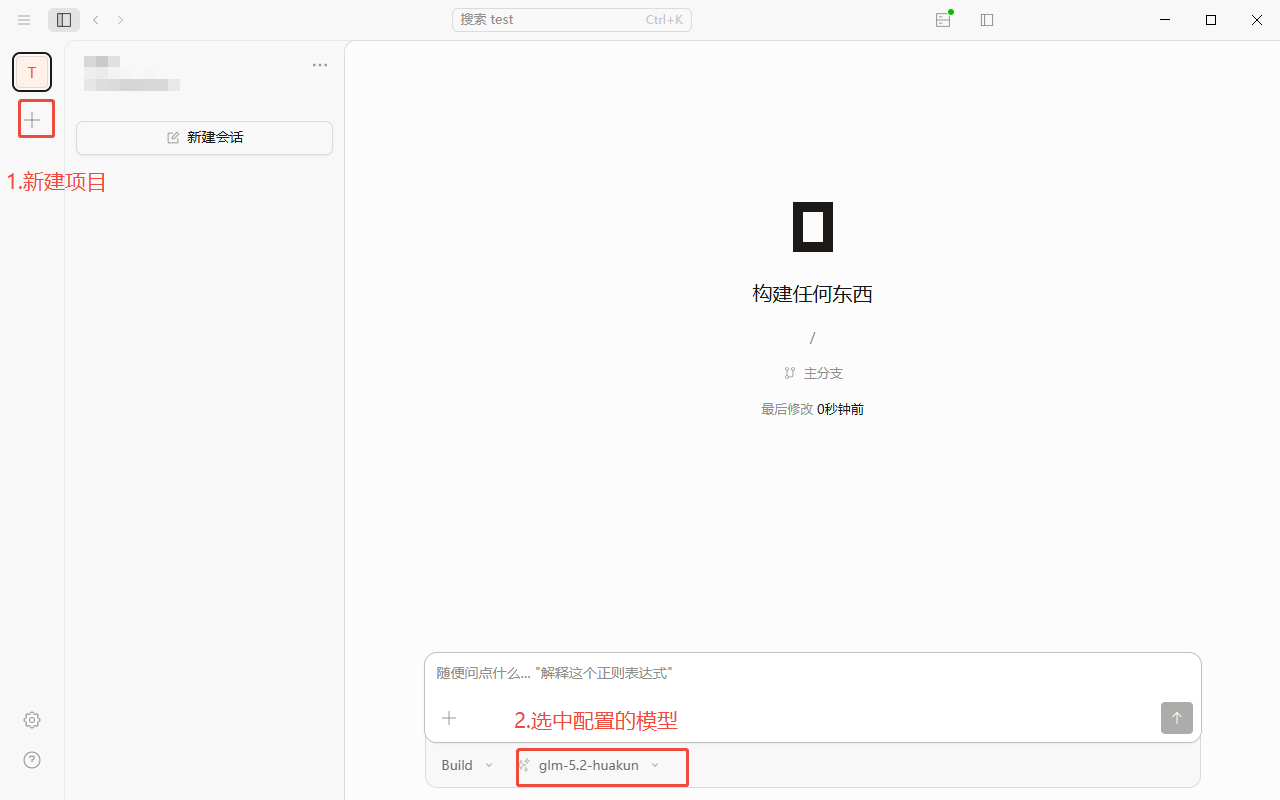
- Create a new project, select the model and start using it